

AI Video Generation Workflow for VEO 3 – n8n No-Code Automation (JSON Template)
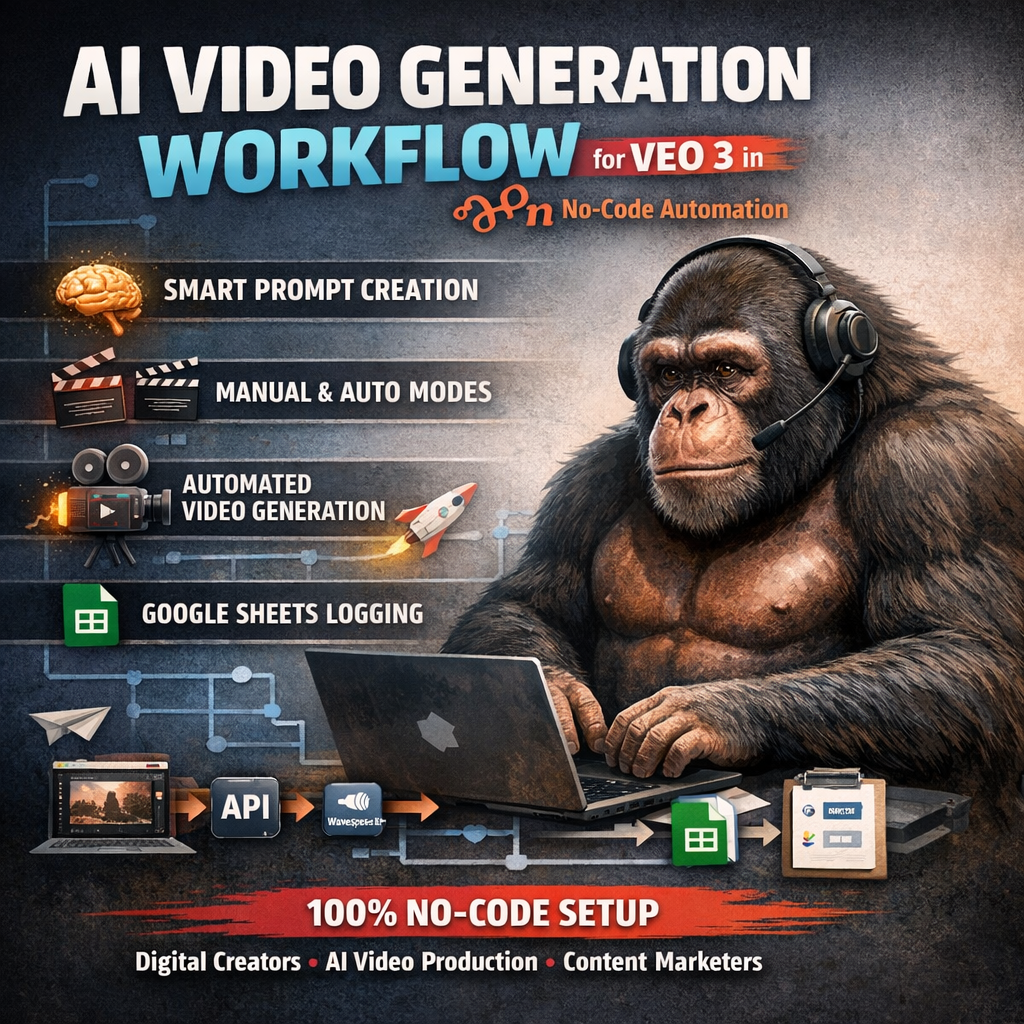
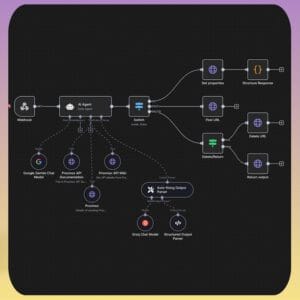
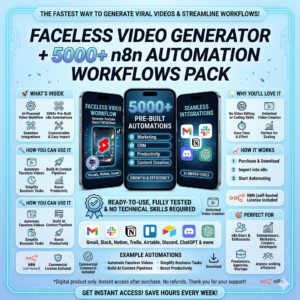
Revolutionize the way you create video content with this powerful AI-driven workflow built for VEO 3. Designed inside n8n, this ready-to-use automation handles the entire video creation process—from idea generation to final output—without requiring any coding skills.
Whether you’re producing short-form content, marketing videos, or creative visuals, this workflow acts as your personal AI assistant, helping you generate high-quality, cinematic videos faster and more efficiently.
🚀 Key Features
Smart AI Agent for Prompt Creation – Generate optimized VEO 3 prompts effortlessly
Dual Modes Available
Manual Mode – Full control over scenes, style, and creative direction
Auto Theme Mode – Instantly generate complete video ideas
Automated Video Generation – Seamless integration with VEO 3 API and WaveSpeed AI
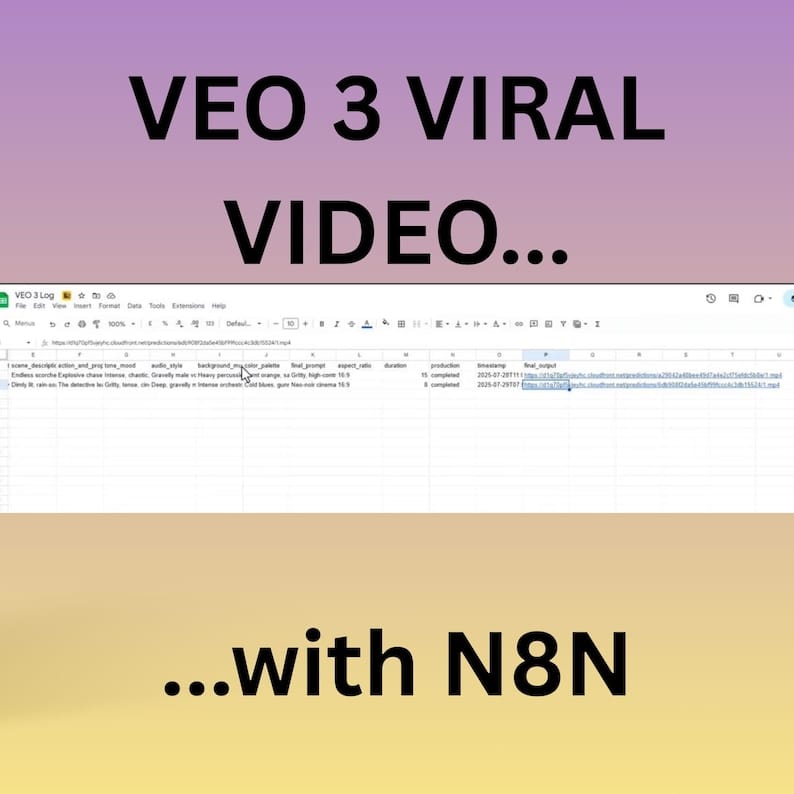
Google Sheets Logging – Automatically store video links and creative data
100% No-Code Setup – Built entirely in n8n with a simple visual workflow
📦 What You’ll Get
1x Ready-to-import n8n Workflow (JSON file)
Easy-to-follow setup instructions
🎯 Perfect For
Digital creators & content marketers
AI video creators
Short-form video production (TikTok, Reels, YouTube Shorts)
Automation enthusiasts & no-code builders
⚙️ Setup & Usage Guide
1. Requirements
n8n account (cloud or self-hosted)
VEO 3 API key (API access enabled)
Google Sheets credentials
Included JSON workflow file
2. Import the Workflow
Log in to n8n
Go to Workflows → Import
Upload the JSON file and save
3. Connect Your Credentials
Add HTTP credentials for VEO API
Connect Google Sheets (OAuth2 or Service Account)
Assign credentials to the relevant nodes
4. Customize Your Workflow
Use Manual Mode to define scenes, style, and audio
Or switch to Auto Mode for instant generation
5. Run the Automation
Click Execute Workflow
The system will generate videos, return output links, and log results automatically
🔧 Optional Enhancements
Add email or Slack notifications
Customize your Google Sheets tracking
Schedule automations using triggers (cron, webhook, etc.)
💡 Support
If you run into any issues during setup, feel free to reach out anytime—I’m happy to help.
🔥 Start creating AI-powered videos on autopilot and scale your content production today.




































 No products in the cart.
Reviews
There are no reviews yet.